

Bulk Rename Utility
Quickly customize file names.
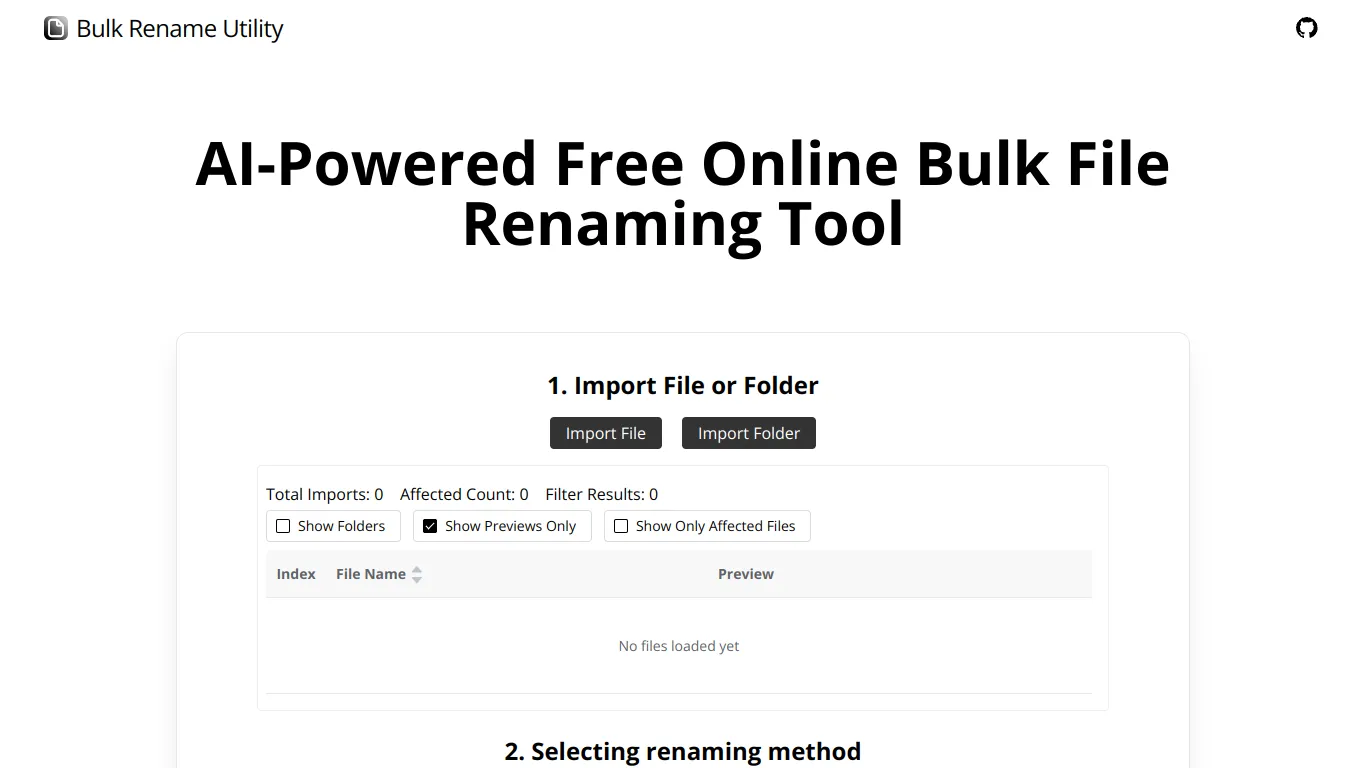
This AI enables bulk renaming of files online, without download or installation. With Bulk Rename Utility, simply select the files or folders to modify, choose between AI mode for instant modification or Rule mode for customization via deletion/addition of characters, regular expressions, and JavaScript. Perform the renaming operation directly on your local files, with no data transferred over the web, ensuring user privacy. This solution stands out for its free nature, its online operation compatible only with Chrome and Edge browsers, and for its support of Windows and Mac systems. The advanced features of Bulk Rename Utility significantly facilitate the renaming workflow, making tasks complex simple and fast, particularly suitable for those who manage large volumes of files frequently.
Features
File renaming in AI mode
Allows the user to simply enter the desired renaming criteria. The artificial intelligence instantly generates suitable new naming conventions. This feature is ideal for professionals looking to save time and increase their efficiency when handling large volumes of data.
Rule-based renaming operations
Offers the ability to use customizable rules such as deleting/replacing characters and using custom JavaScript. This tool perfectly meets the needs of users with specific file naming requirements, allowing precise adaptation to internal workflows.
High compatibility and security
Works exclusively on the Chrome and Edge browsers, ensuring optimal compatibility and a enhanced security. This practical accessibility avoids complex installations and reduces risks to the security of users, without requiring any download of personal files to the server.