
PixVerse
Turn a text prompt or an image into an AI video, with sound and ready-made effects, on web and mobile.
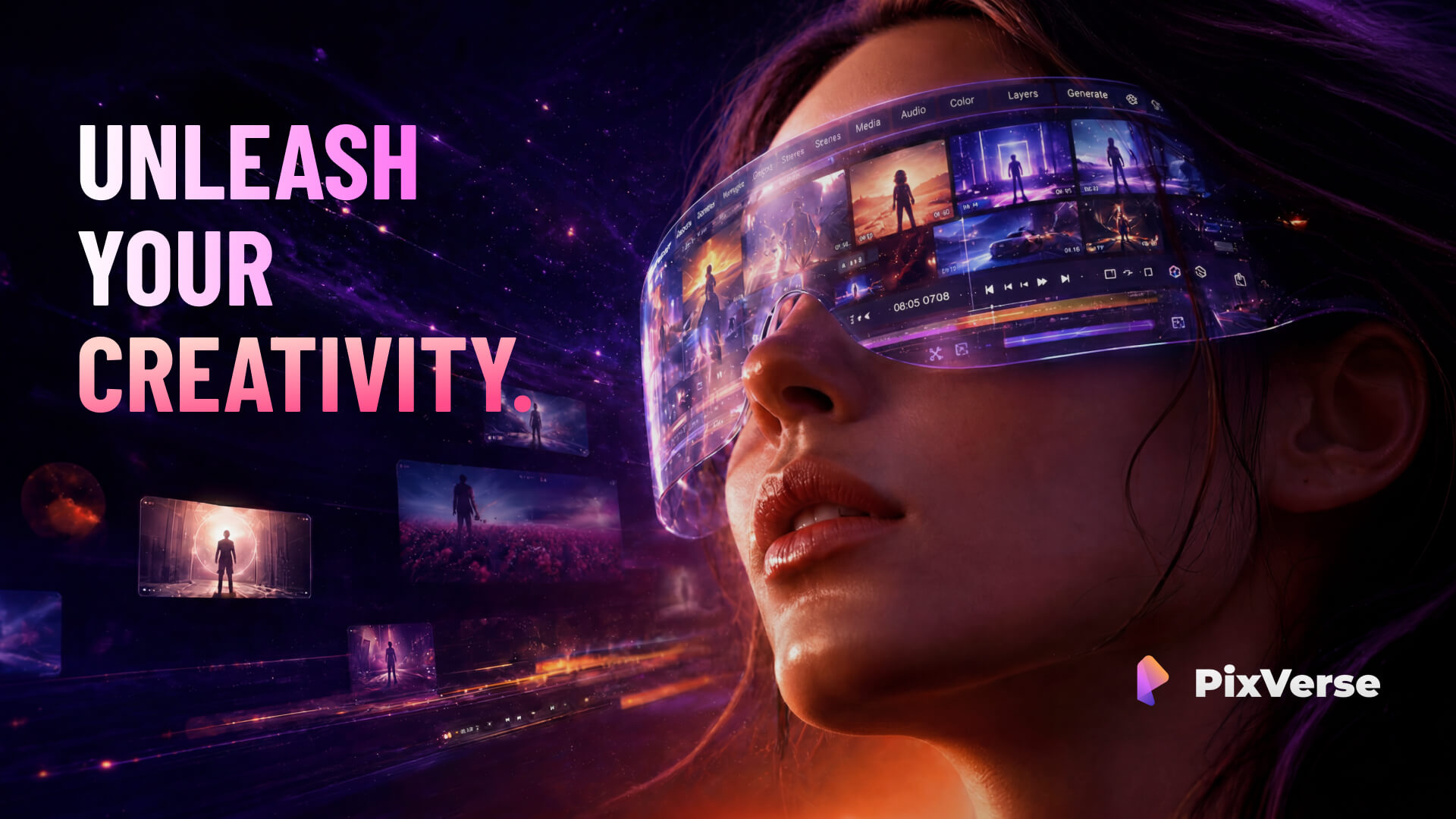
PixVerse is an AI video generation platform. You describe a scene or upload an image, and it turns that into an animated clip, with sound if you want it. It is built for content creators, brands and anyone who needs short videos without a shoot.
Founded in 2023 by Changhu Wang and Jaden Xie, the company says it has more than 150 million users in over 177 countries. In July 2026 it extended its Series C round, bringing the total to $439 million. The service is operated by AIVORA PTE. LTD., based in Singapore. On the French Google Play Store, the app is rated 4.4/5 from 4.6 million reviews, with more than 50 million downloads.
How does PixVerse work?
You pick a mode: text to video, image to video, a transition between two images, or a video guided by reference images. Write a prompt, set the format and hit generate. The in-house model, PixVerse V6, produces 1 to 15-second clips in 1080p, with optional generated audio. The platform also gives access to models from other developers, such as Seedance 2.5, MiniMax H3 and Flux 3.
Around generation, PixVerse offers ready-made effects, lip sync, text-to-speech, camera motion control, video extension and editing. Canvas lays out a project as connected nodes, and mini-apps remove backgrounds or extend images. Everything works in the browser and in the Android and iOS apps.
PixVerse pricing in 2026
PixVerse runs on credits. The free Basic plan gives you 60 credits when you sign up, then 30 credits a day. Paid plans are listed in US dollars on the official site: Standard at $10 a month (1,200 credits, up to 720p), Pro at $30 (6,000 credits, up to 4K), Premium at $60 (15,000 credits) and Ultra, shown on promotion at $199 instead of $249. Billed yearly, the monthly price drops to $8 for Standard, $24 for Pro and $48 for Premium. Subscribers also get 60 credits a day, and credit packs start at $5 for 500.
Worth knowing: under the terms of service, videos made on the free plan are for non-commercial use only. Commercial use comes with paid plans, for content generated by PixVerse's own models.
Our verdict on PixVerse
Pros: free daily credits to try it out, effects that deliver results in a few clicks, a recent in-house model with built-in audio, and several rival models in one place.
Cons: a credit system that makes the real cost of a video hard to work out, a Standard plan capped at 720p and commercial use limited to subscribers. The terms also allow user content to be used, in aggregated and anonymised form, to train models, with an opt-out where one is offered.
PixVerse alternatives
- Kling AI: a popular AI video generator known for realistic motion and longer clips.
- Hailuo AI: MiniMax's video generator, praised for its camera moves.
- Runway: a full creative suite for generating and editing video.
- Pika: a simple video generator focused on effects and social media.
Frequently asked questions
Is PixVerse free?
Partly. The Basic plan gives you 60 credits at sign-up, then 30 credits a day. For more volume, higher resolution or commercial use, you need a subscription, from $10 a month.
Which languages does PixVerse support?
The official website is available in English, French, German and Spanish, among other languages.
Is PixVerse suitable for minors?
The terms of service limit the service to people aged 16 and over. Younger users need a parent or guardian to supervise. On Google Play, the app carries a parental guidance label.
Features
Key features
- Text and image to video: a prompt or a photo is enough to get an animated clip.
- PixVerse V6 model: 1 to 15-second clips in 1080p, with optional generated audio.
- Third-party models: Seedance 2.5, MiniMax H3 and Flux 3 in the same place.
- Ready-made effects and templates: results in a few clicks.
- Editing tools: transitions, video extension, camera control, lip sync and text-to-speech.
- Canvas and mini-apps: node-based projects, background removal and image extension.
- Cross-platform: web, Android and iOS apps.